Memory Echo: Your Passwords, Existing Only in Your Memory
Imagine a world where your passwords cannot be stolen because they are never stored anywhere. This is the reality brought to life by Memory Echo—a revolutionary feature in SecretMemoryLocker, inspired by cryptographic security principles. This is not just a password manager; it's a generator that creates your passwords on-the-fly from a unique source that only you possess.
🧠 SML Memory Echo: The Zero-Storage Password Generator
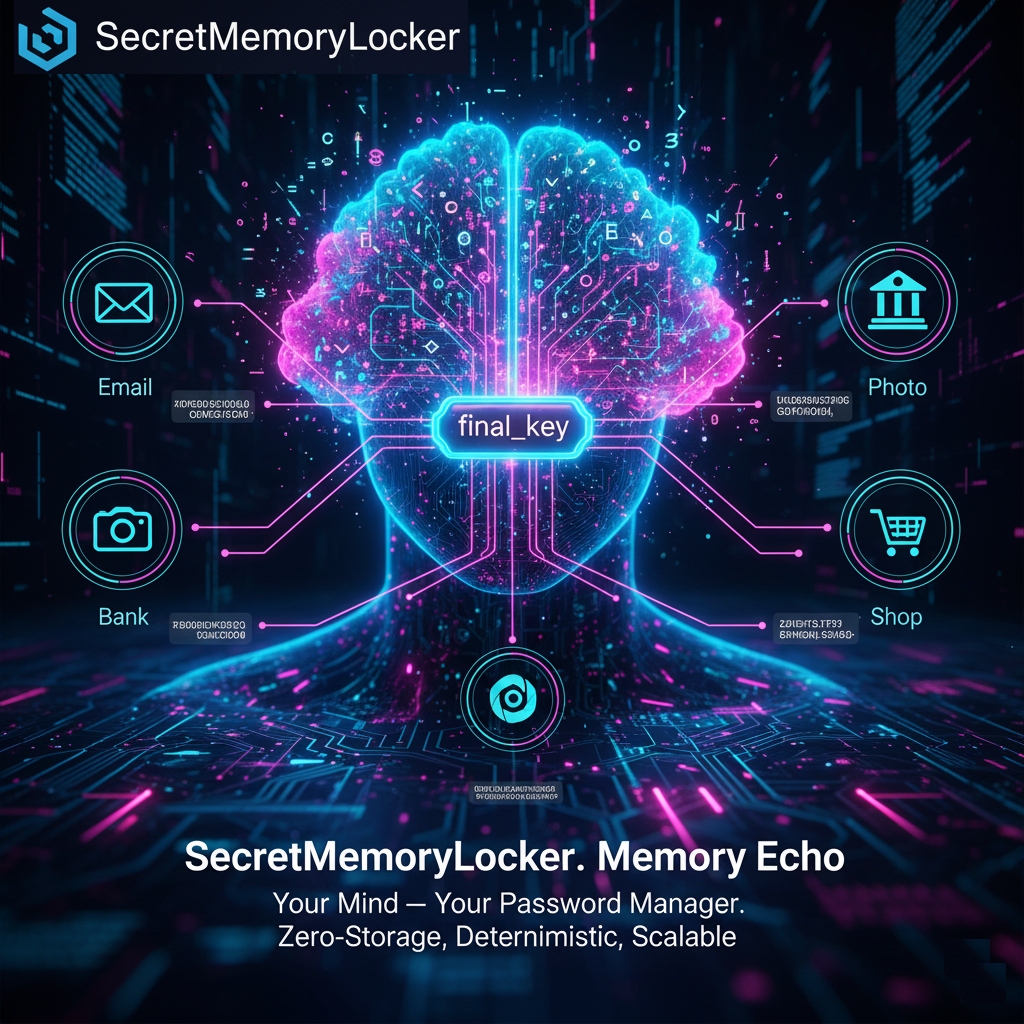
The core of Memory Echo is the concept of a unique "seed"—your personal digital key. The entire process is designed for absolute security and privacy.
How It Works 🚀
- You Choose Your "Seed". This can be any digital asset that belongs to you: a favorite photo or video, any file (document, music track), your fingerprint, or a set of secret questions and answers.
- On-the-Fly Generation. The application uses this seed to create a temporary master key exclusively in your device's RAM. Then, for each service (e.g., "Gmail" or "Facebook"), a unique password is deterministically generated using the formula: `Your "Seed" + Service Name => Unique Password`.
- Zero Trace Left Behind. As soon as you generate the password and close the app, the master key and all intermediate data vanish without a trace from memory. Nothing is ever written to your disk or the cloud.
Key Advantages ✨
- Absolute Security (Zero-Storage) 🛡️
Passwords do not physically exist in storage, making them impossible to steal or compromise. This is the highest level of protection because you cannot hack something that isn't there. - Deterministic Recoverability 🔑
Lost your phone or reinstalled your system? No problem. Simply use the same "seed" (your file or answers), and Memory Echo will reproduce the exact same password for any of your services. - Unlimited Passwords 🌌
A single "seed" allows you to create an infinite number of unique and complex passwords for all your accounts. You no longer need to remember dozens of different combinations. - Complete Autonomy & Privacy 🔏
The feature works completely offline. Your data, your "seed," and your passwords never leave your device and are never transmitted anywhere. Your security is solely in your hands.
🔐 How to Create a Failsafe Digital Vault for Your "Seed"
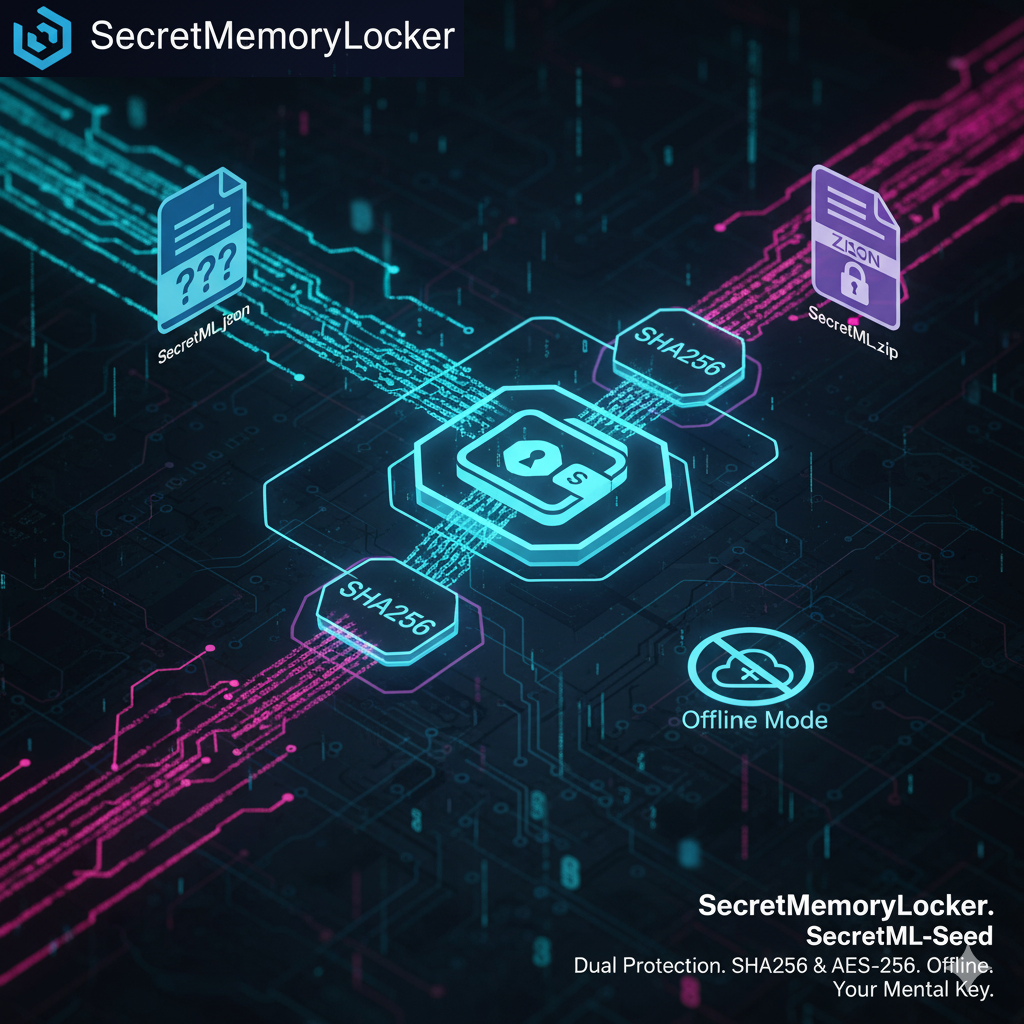
To guarantee you can recover access under any circumstances, use the enhanced backup mode in SecretMemoryLocker. This process creates two separate encrypted components that function as a two-factor key.
The Two-Factor Backup Process
When you back up your "seed", the application generates two distinct files:
- The Recovery File (`recovery.json`): A small file containing encrypted questions or metadata required to initiate the decryption process.
- The Main Archive (`seed.zip`): An archive protected with the highest standards (e.g., AES-256 encryption) containing your original "seed" (photo, file, etc.).
The Golden Rule of Security: Recovery is impossible without having access to both files simultaneously.
Recommended Storage Strategy
For maximum security, store these files in different locations. For example:
- Keep the Recovery File on a cloud drive (Google Drive, Dropbox).
- Store the Main Archive on an external physical device (USB flash drive, external SSD).
This approach transforms your "seed" into a true digital safe, with a key that is split into two parts, both of which are owned and controlled only by you.
Ready to Experience True Security?
This feature is a core component of SecretMemoryLocker. Follow our progress on GitHub or return to the main page to learn more.
View on GitHub🎥 Demo Video
📬 Contacts, Suggestions, and Feedback
Have questions or ideas for improvement? We would be happy to hear them!
Email us at:
secretmemorylocker@gmail.com
Join the discussion in our Telegram group:
SecretMemoryLocker on Telegram